




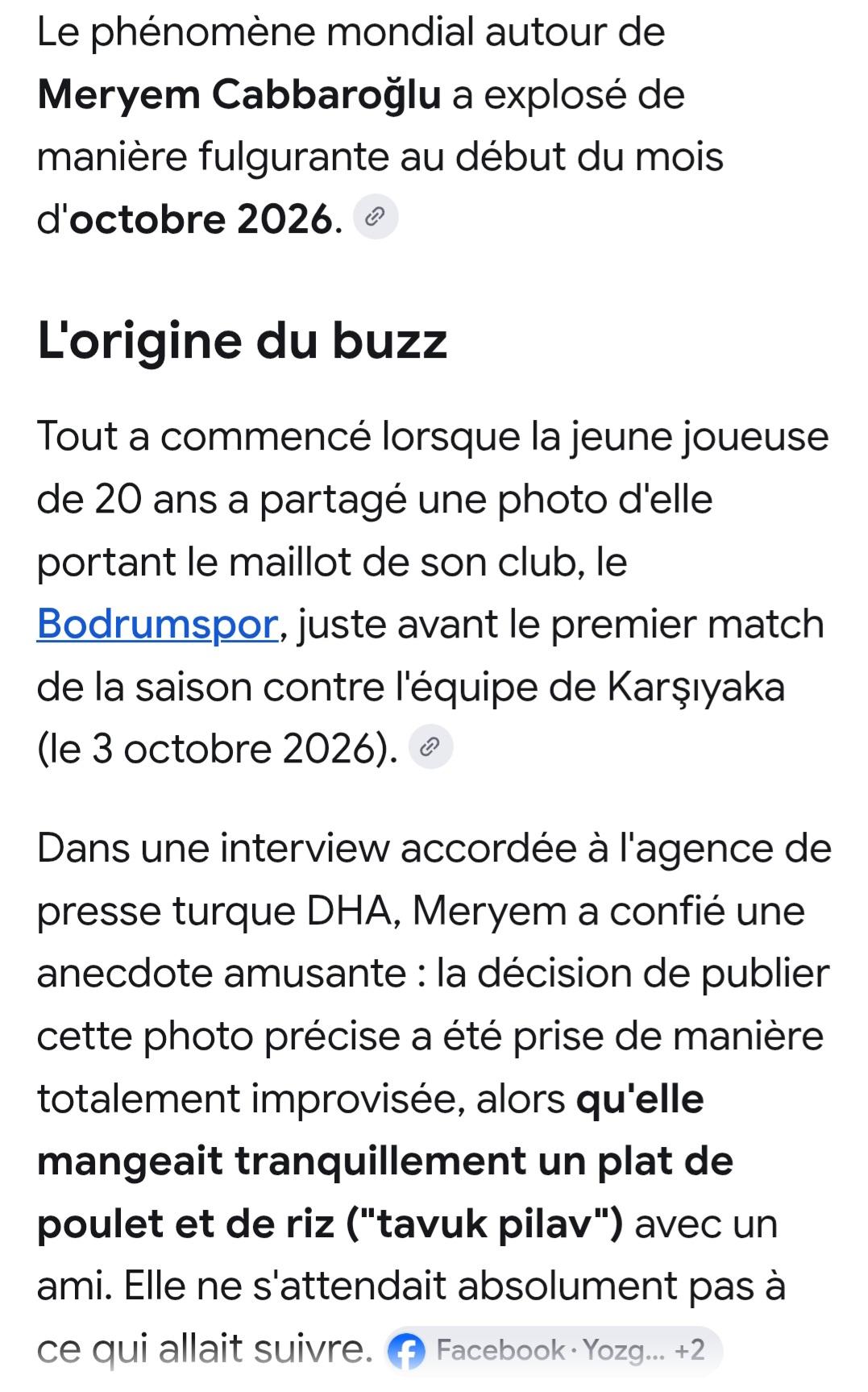
phenomeno
Moderateurs
-
Inscrit(e) le
-
Dernière visite
-
9ollha n7adharlek fil voyage de l'été prochain a Bodrum, juste hedhi l'icône locale tokhroj taswiretha fi n’importe quelle recherche sur Bodrum
-
@floop na3rfek maghroum bil volley féminin

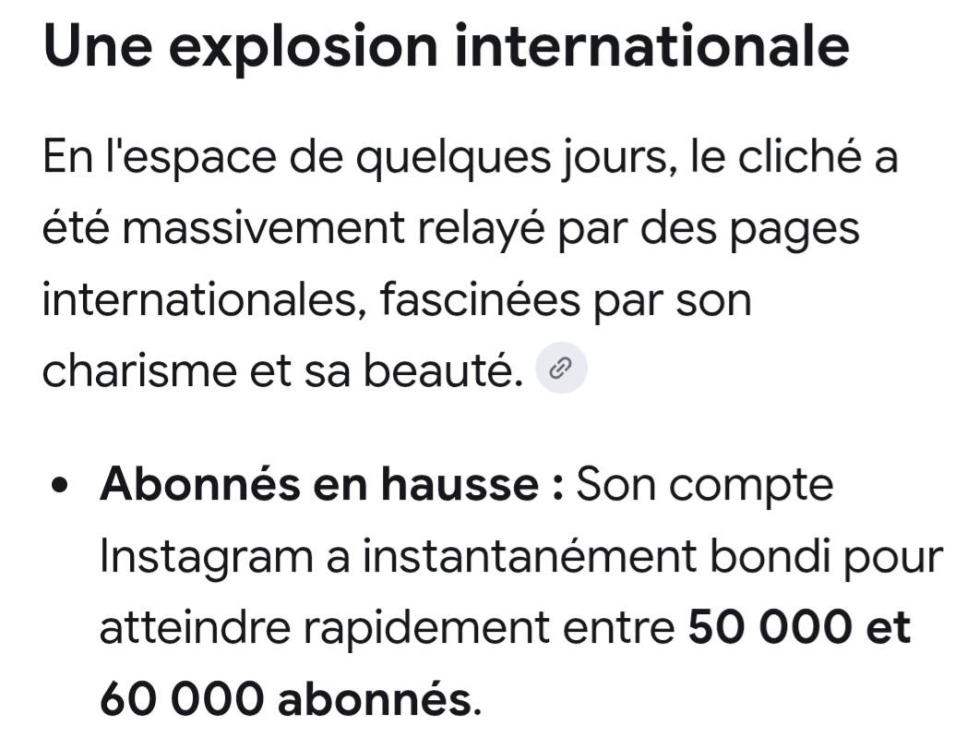


-
C’est bon pour moi. MerciOui moi aussi ca me renvois a la première page du sujet. Alors qu'au debut elle me renvoyait au dernier message non lu.Ti ey na3ref, amma c pas le sujet. W zeda il a plusieurs publications partagées par nos pages où il massacre son club.شيء يوجع القلب




 Ken tokhroj stat 9addech min wahed yista3mel fiha, je pense que le résultat sera surprenant 😃Je ne vois toujours pas l’heure des messages. Sinon heyla la version senior 😀Oui moi aussi j’ai l’impression que c’est plus petit et assez terne comme couleur. Le blanc ci-dessous est bcp plus lisible
 Ma3neha ennajmou nirj3ou na3tiw des moins ?Oui moi aussi le -1 n’est pas atteignable malheureusement 😂













Account
Navigation
Rechercher
Configure browser push notifications
Chrome (Android)
- Tap the lock icon next to the address bar.
- Tap Permissions → Notifications.
- Adjust your preference.
Chrome (Desktop)
- Click the padlock icon in the address bar.
- Select Site settings.
- Find Notifications and adjust your preference.
Safari (iOS 16.4+)
- Ensure the site is installed via Add to Home Screen.
- Open Settings App → Notifications.
- Find your app name and adjust your preference.
Safari (macOS)
- Go to Safari → Preferences.
- Click the Websites tab.
- Select Notifications in the sidebar.
- Find this website and adjust your preference.
Edge (Android)
- Tap the lock icon next to the address bar.
- Tap Permissions.
- Find Notifications and adjust your preference.
Edge (Desktop)
- Click the padlock icon in the address bar.
- Click Permissions for this site.
- Find Notifications and adjust your preference.
Firefox (Android)
- Go to Settings → Site permissions.
- Tap Notifications.
- Find this site in the list and adjust your preference.
Firefox (Desktop)
- Open Firefox Settings.
- Search for Notifications.
- Find this site in the list and adjust your preference.