
RoMaNiStA_1919
Mkachakh
-
Inscrit(e) le
-
Dernière visite
-
Dexter Resurrection diffusion le 30 oct cc @Sparta
-
wallah ahna eli sorry enti yaatik el saha !
-
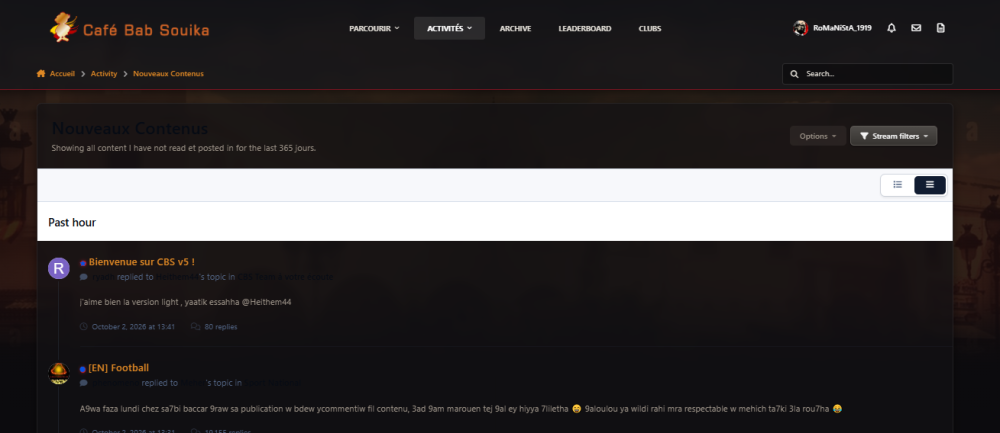
@Heithem44 le theme dark d5al baadhou
-
yaatik saha @Heithem44 pour tes efforts ! et dire que 3malt hedha kol maghir mtalbet alina ticket jira 😂
-
mobland saison 2 habtet aussi eli i7ebou site behi cineby.tech je recommande
-
3malt 2 épisodes j'ai pas accroché malgré que saison loula che5t aliha ... hani rja3t l one piece
-
la flèche maandich, fazet sujet taw njarbha merci pheno
-
fi3a9elk chef et merci à toi ❤️💛
-
petit feedback la petite flèche qui était en bas de page pour remonter direct en haut possible Terja3 ? le bouton bleu pour lire les nouveautés sur un sujet, sur la version tel, mch dima ta5tef lezem tzoumi bch tnezzl aliha, Sinn la plupart du temps le click i7elek le sujet fi awel page
-
Excellent! yaatikom El saha 👏❤️💛