
Aller au contenu
View in the app

A better way to browse. Learn more.

Café Bab Souika

A full-screen app on your home screen with push notifications, badges and more.

To install this app on iOS and iPadOS
  1. Tap the Share icon in Safari
  2. Scroll the menu and tap Add to Home Screen.
  3. Tap Add in the top-right corner.
To install this app on Android
  1. Tap the 3-dot menu (⋮) in the top-right corner of the browser.
  2. Tap Add to Home screen or Install app.
  3. Confirm by tapping Install.

phenomeno

Moderateurs
  • Inscrit(e) le

  • Dernière visite

Tout ce qui a été posté par phenomeno

  1. Essayes de toucher l'écran un peu bich tokhrojlek. Elle n’est pas figée
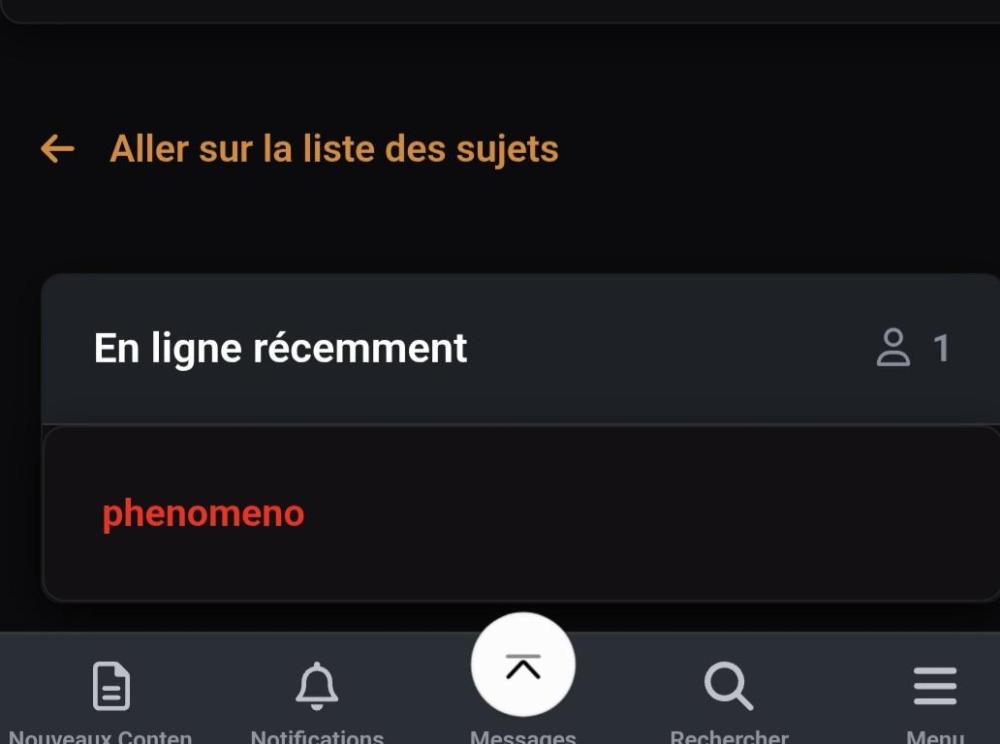
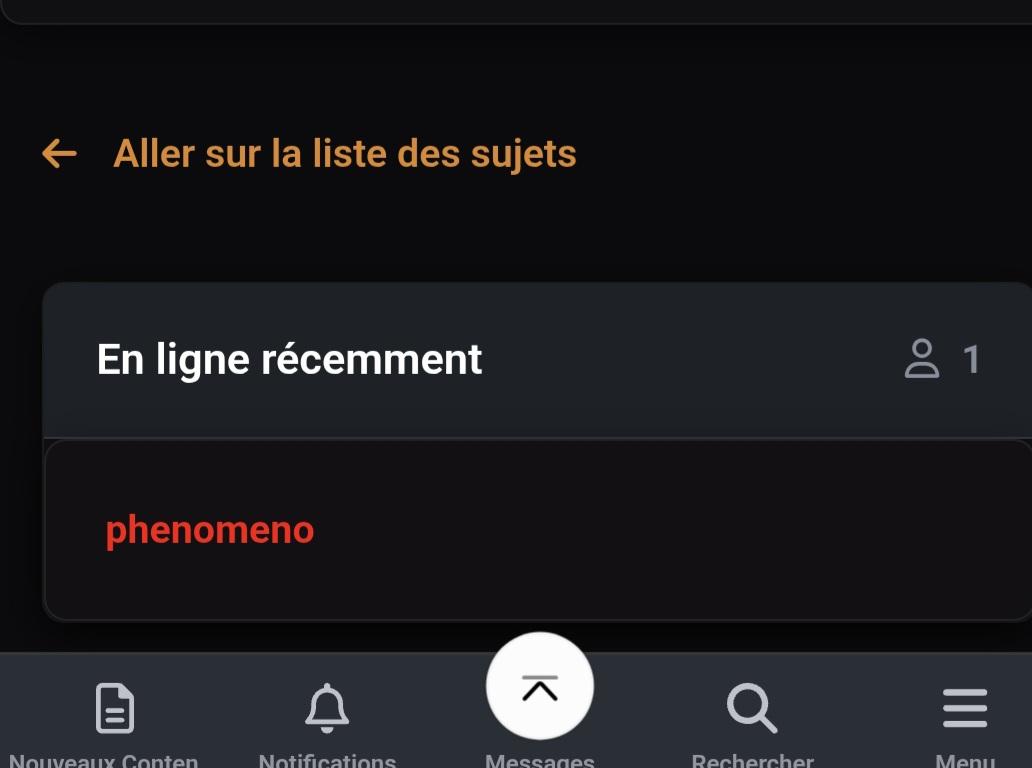
  2. La flèche qui remonte en haut mouch hedhi ? Ena 3andi et ca me permet de monter. Ena bidi au debut 9all9etni ma takhtafch. Ba3d wallit ninzel 3al nom du sujet nil9a rouhi direct fil dernier message non lu
Account

Navigation

Rechercher

Rechercher

Configure browser push notifications

Chrome (Android)
  1. Tap the lock icon next to the address bar.
  2. Tap Permissions → Notifications.
  3. Adjust your preference.
Chrome (Desktop)
  1. Click the padlock icon in the address bar.
  2. Select Site settings.
  3. Find Notifications and adjust your preference.