




phenomeno
Moderateurs
-
Inscrit(e) le
-
Dernière visite
Tout ce qui a été posté par phenomeno
-
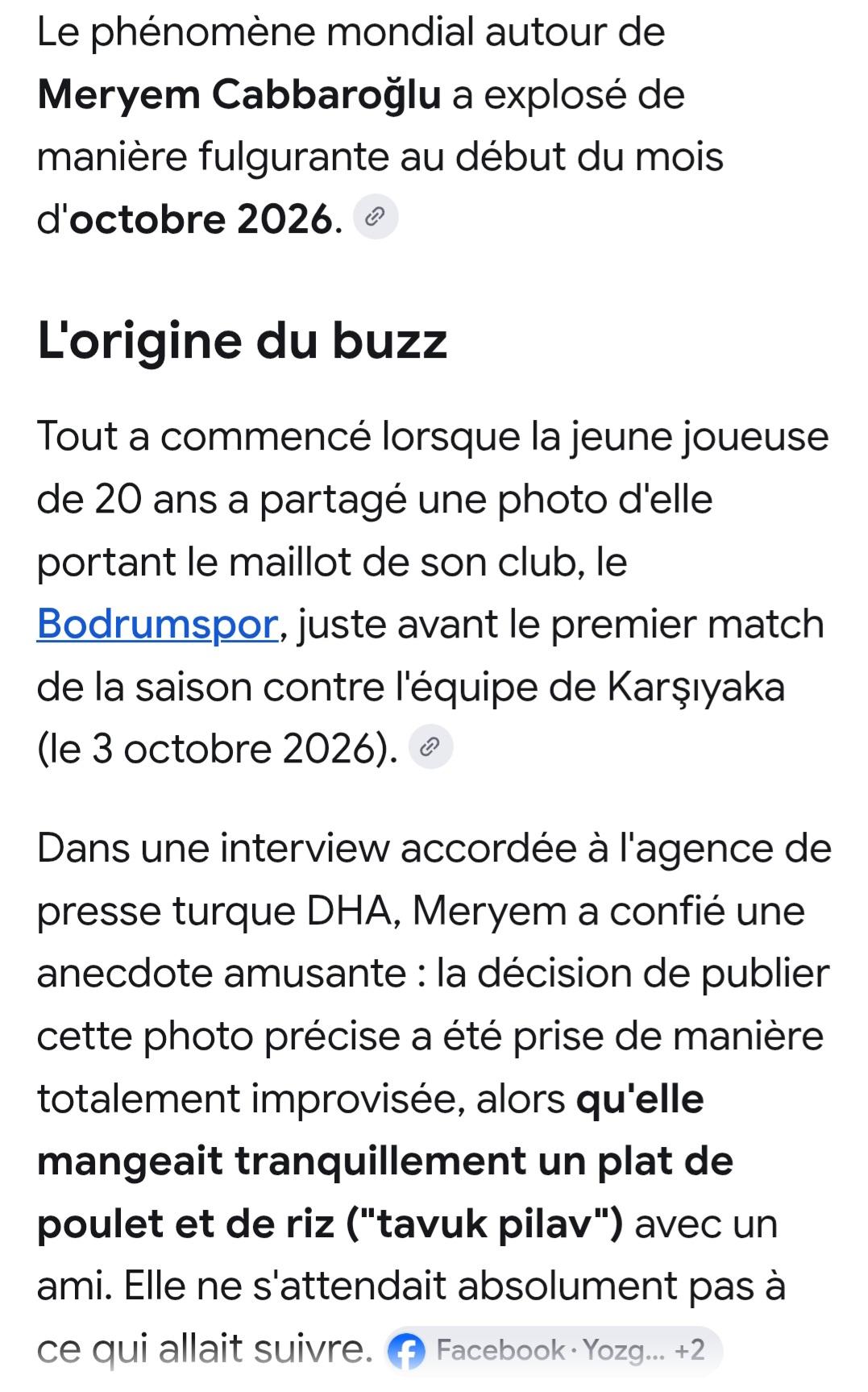
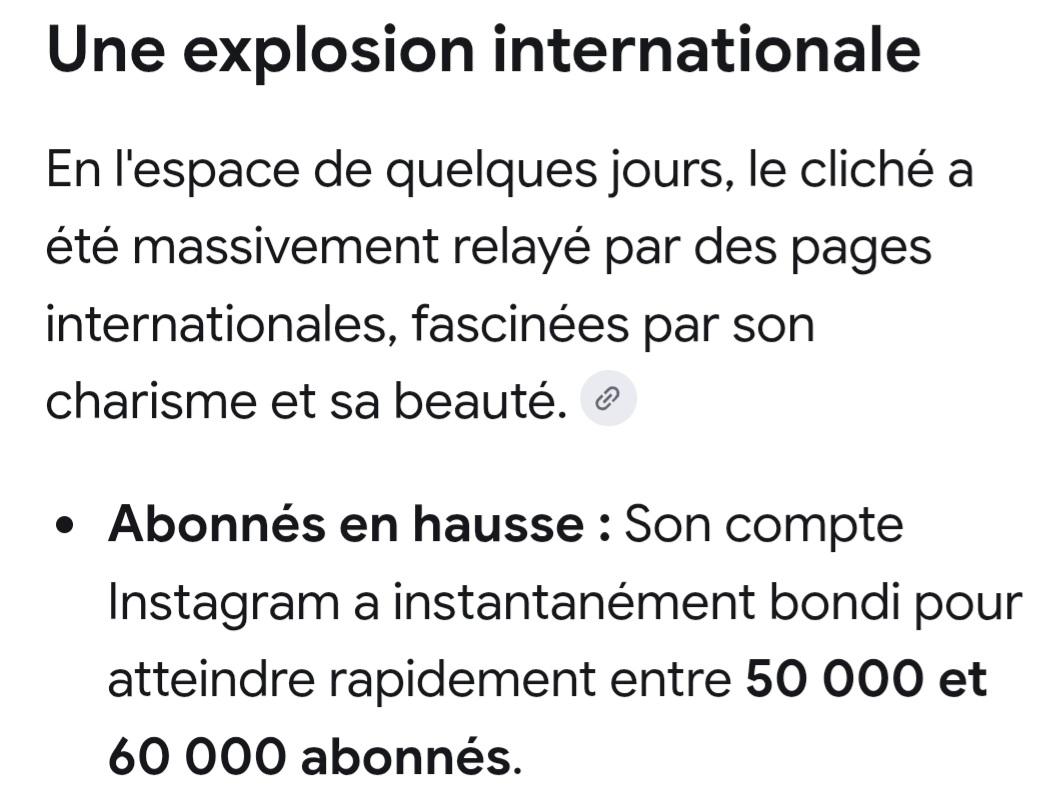
9ollha n7adharlek fil voyage de l'été prochain a Bodrum, juste hedhi l'icône locale tokhroj taswiretha fi n’importe quelle recherche sur Bodrum@floop na3rfek maghroum bil volley féminin
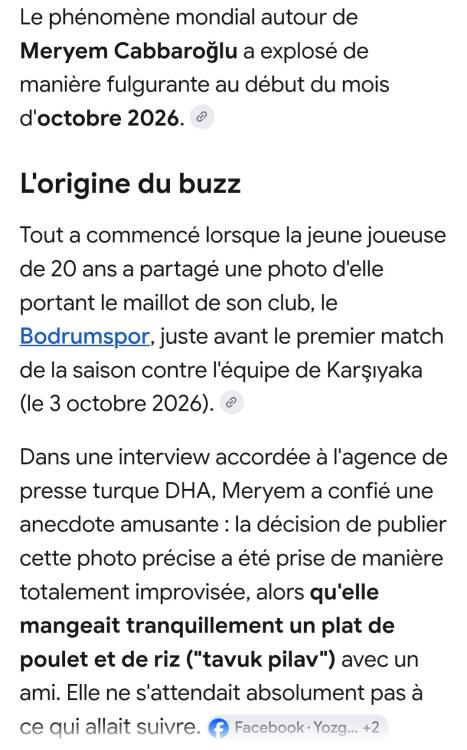
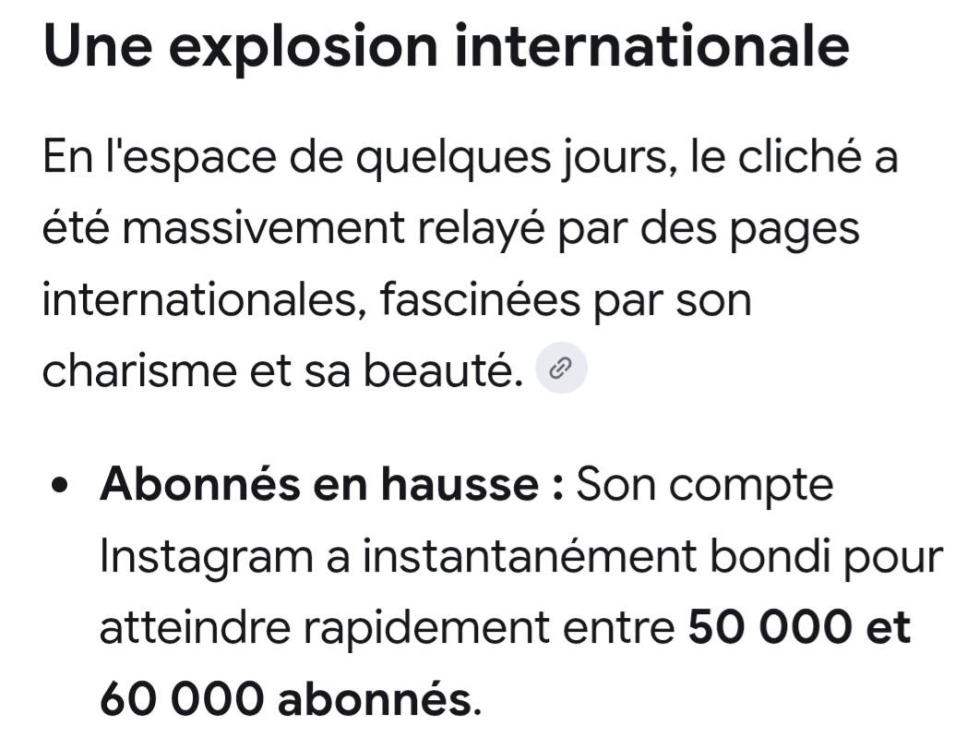

 C’est bon pour moi. MerciOui moi aussi ca me renvois a la première page du sujet. Alors qu'au debut elle me renvoyait au dernier message non lu.Ti ey na3ref, amma c pas le sujet. W zeda il a plusieurs publications partagées par nos pages où il massacre son club.شيء يوجع القلب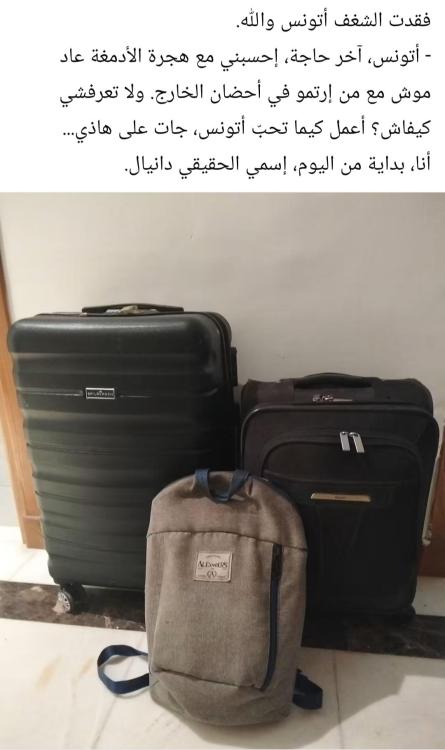


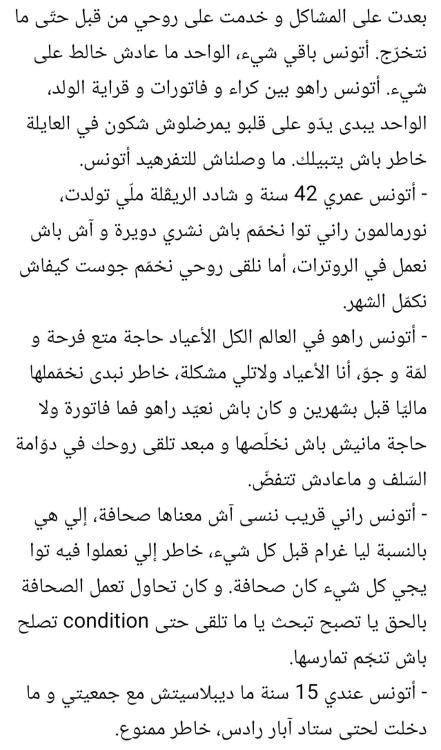
 Ken tokhroj stat 9addech min wahed yista3mel fiha, je pense que le résultat sera surprenant 😃Je ne vois toujours pas l’heure des messages. Sinon heyla la version senior 😀Oui moi aussi j’ai l’impression que c’est plus petit et assez terne comme couleur. Le blanc ci-dessous est bcp plus lisible
 Ma3neha ennajmou nirj3ou na3tiw des moins ?Oui moi aussi le -1 n’est pas atteignable malheureusement 😂Appuyes sur le titre du sujet taw yhizzek lil dernier post non luSe3a intouma pkoi vous voulez monter ? 😃 Ena 9bal kont je l'utilise pour appuyer sur le bouton nouveaux contenus, amma tawwa du moment elli ce bouton walla en bas il n’y a plus de raison pour monter. Ena mizzelt 3andi ce réflexe nitla3 w ba3d nil9a rou7i ma3andi ma na3mel n3awed nahbet 😂 Iltawwa je ne suis pas habitué au bouton nouveaux contenus elloutaEssayes de toucher l'écran un peu bich tokhrojlek. Elle n’est pas figéeLa flèche qui remonte en haut mouch hedhi ? Ena 3andi et ca me permet de monter. Ena bidi au debut 9all9etni ma takhtafch. Ba3d wallit ninzel 3al nom du sujet nil9a rouhi direct fil dernier message non lu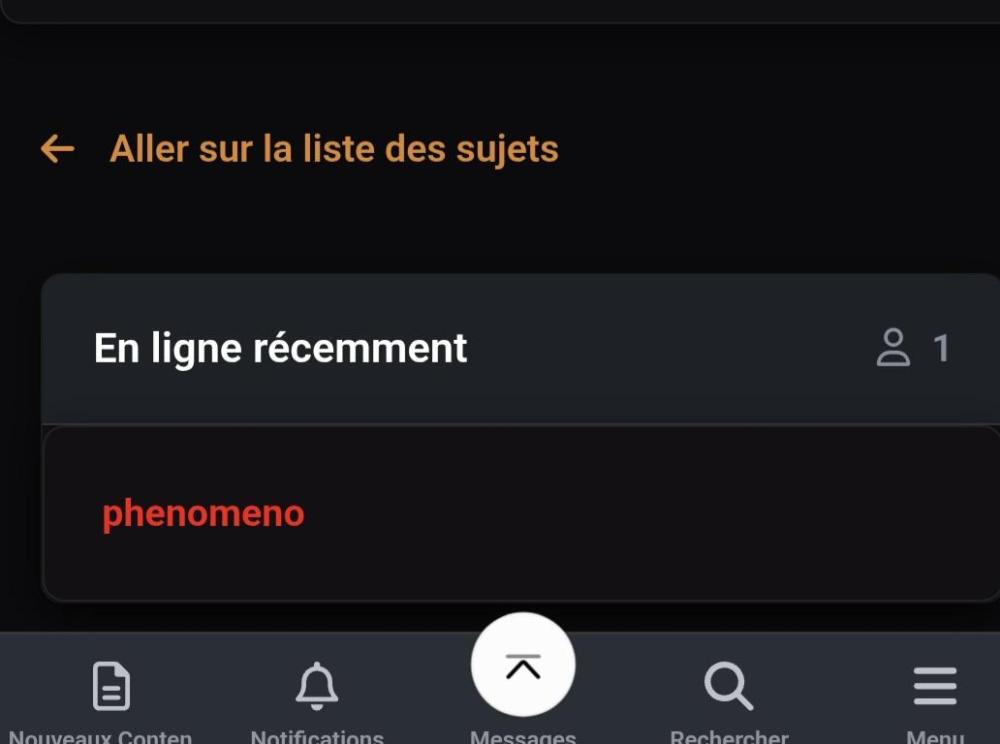











Account
Navigation
Rechercher
Configure browser push notifications
Chrome (Android)
- Tap the lock icon next to the address bar.
- Tap Permissions → Notifications.
- Adjust your preference.
Chrome (Desktop)
- Click the padlock icon in the address bar.
- Select Site settings.
- Find Notifications and adjust your preference.
Safari (iOS 16.4+)
- Ensure the site is installed via Add to Home Screen.
- Open Settings App → Notifications.
- Find your app name and adjust your preference.
Safari (macOS)
- Go to Safari → Preferences.
- Click the Websites tab.
- Select Notifications in the sidebar.
- Find this website and adjust your preference.
Edge (Android)
- Tap the lock icon next to the address bar.
- Tap Permissions.
- Find Notifications and adjust your preference.
Edge (Desktop)
- Click the padlock icon in the address bar.
- Click Permissions for this site.
- Find Notifications and adjust your preference.
Firefox (Android)
- Go to Settings → Site permissions.
- Tap Notifications.
- Find this site in the list and adjust your preference.
Firefox (Desktop)
- Open Firefox Settings.
- Search for Notifications.
- Find this site in the list and adjust your preference.